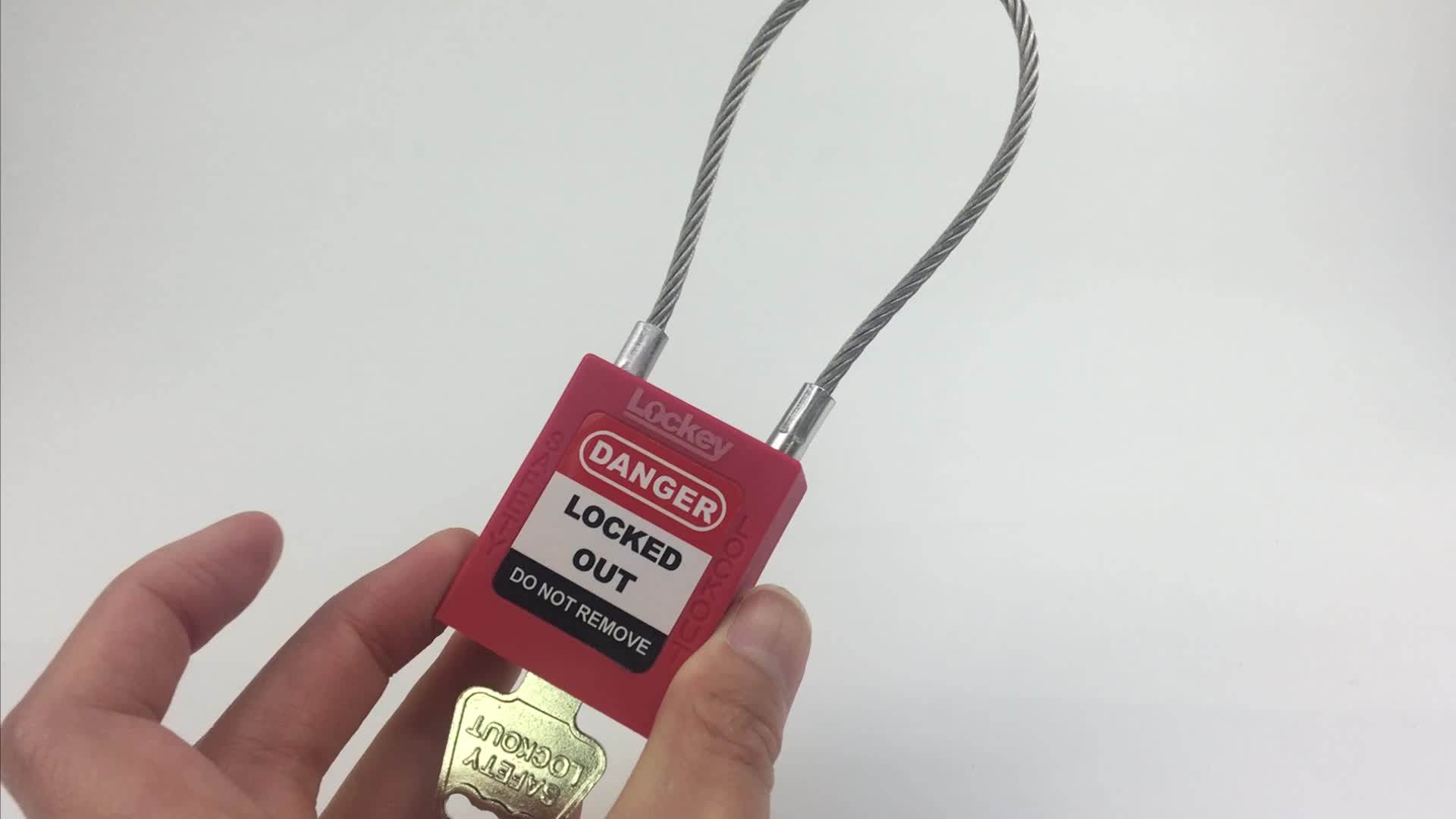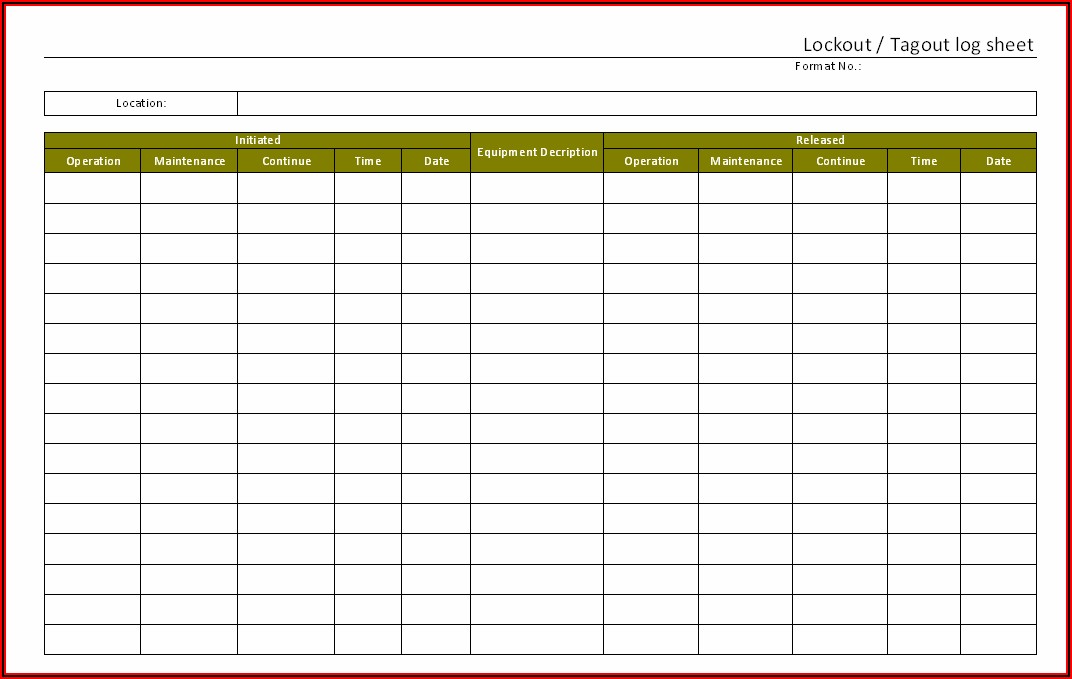
Machine downtime isn’t the biggest risk during maintenance—improper energy control is. One of the most critical safeguards in industrial environments is the lockout tagout (LOTO) procedure. At the heart of this system lies a simple but powerful document: the lockout tagout removal form. It’s not just paperwork—it’s a final checkpoint that prevents accidental startup, protects workers, and maintains regulatory compliance.
When a technician finishes repairs, the removal of locks and tags can’t be casual. A structured form ensures every verification step is completed, every energy source confirmed de-energized, and every team member accounted for. Without it, even the best LOTO program can fail.
Let’s break down the role, structure, and real-world application of the lockout tagout removal form.
What Is a Lockout Tagout Removal Form?
A lockout tagout removal form is a standardized document used to authorize and record the safe removal of lockout devices after maintenance or servicing. It acts as the final verification that:
- All tools have been removed
- Machine guards are reinstalled
- All employees are clear of the equipment
- Testing can proceed safely
This form is not optional under OSHA standards (29 CFR 1910.147). The regulation requires that only the authorized employee who applied the lock can remove it, and removal must follow a documented sequence. The form serves as both a procedural guide and a legal record.
Think of it as the reverse of the LOTO application process. Just as applying locks requires verification, removing them demands equal scrutiny.
Why the Removal Step Is High-Risk
Most LOTO accidents don’t happen during repairs—they occur during re-energization. According to the U.S. Department of Labor, nearly 10% of serious manufacturing injuries are linked to unexpected energization or startup of machinery.
Consider this scenario: A maintenance team repairs a conveyor system. One technician forgets to reinstall a guard. Another assumes the area is clear and removes their lock early. A supervisor, unaware of the incomplete work, initiates the removal process. The conveyor powers on—trapping a worker still inside the danger zone.
This is exactly what the removal form prevents.
Common failures during removal include: - Incomplete communication among team members - Failure to verify control circuit isolation - Assumptions about machine status - Skipping group lockout verification steps
The removal form forces a pause. It requires signatures, checks, and confirmation—turning assumptions into verified facts.
Key Components of an Effective Removal Form
A well-designed lockout tagout removal form isn’t just a checklist. It’s a workflow tool. Here are the essential fields it should include:
#### 1. Work Completion Verification - Confirm repair or maintenance is fully complete - Verify all tools, parts, and materials removed
#### 2. Machine Readiness Check - Guards reinstalled and secured - Safety interlocks tested - Control circuits isolated
#### 3. Personnel Clearance - All employees accounted for and clear of danger zones - Area inspected visually or via buddy check
#### 4. Energy Source Re-Evaluation - Confirm no residual energy remains (pneumatic, hydraulic, thermal) - Test for zero-energy state if required
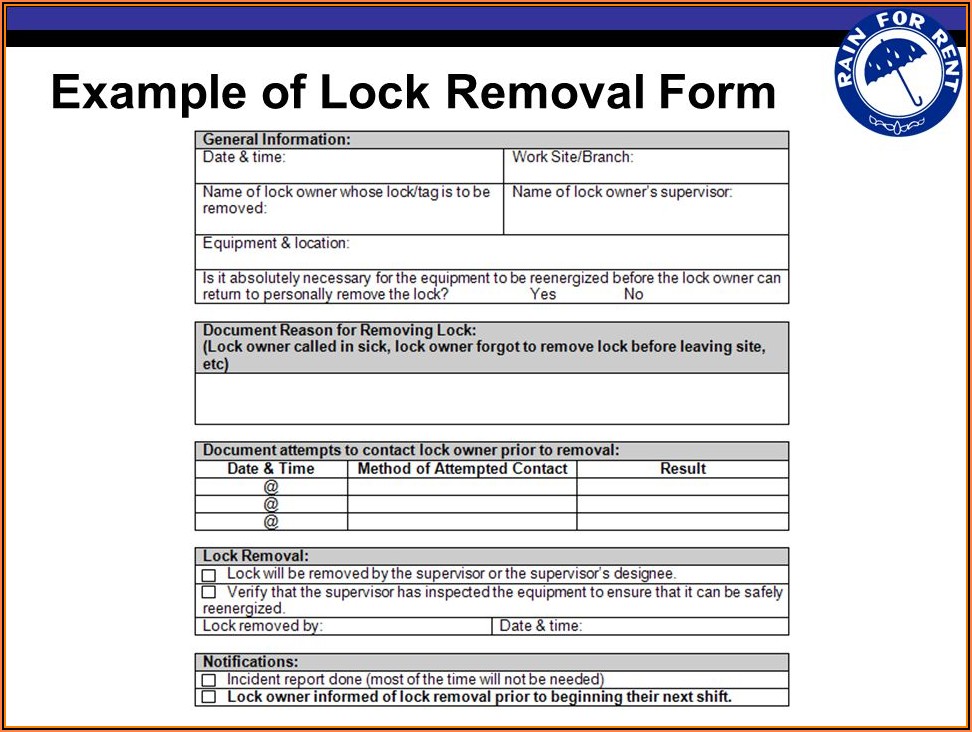
#### 5. Authorized Personnel Sign-Off - Each employee removes their own lock and signs - Supervisor or lead technician signs final approval
#### 6. Start-Up Authorization - Designated operator initials approval to re-energize - Date and time of restart recorded
Some facilities use digital forms with timestamps and photo uploads. Others rely on printed copies stored for audit purposes. The medium matters less than the consistency.
Real-World Use Case: Removing LOTO in a Chemical Plant
At a mid-sized chemical processing facility, a reactor required internal inspection. The LOTO process involved isolating electrical, steam, and nitrogen lines. Five technicians applied locks.
After 8 hours of work, the team gathered for removal. Instead of rushing, they followed their removal form:
- Lead technician walked the unit, confirming all tools were out.
- Safety officer verified the reactor lid was sealed and bolts torqued.
- Each technician confirmed their personal clearance and removed their lock, signing the form.
- The control room operator checked the SCADA system to confirm no conflicting operations.
- Final sign-off allowed the shift supervisor to restore energy.
The entire process took 12 minutes—but prevented a potential overpressure event caused by premature steam reactivation.
This example shows that the removal form isn’t a bottleneck. It’s a precision tool for risk control.
Common Mistakes and How to Avoid Them
Even experienced teams make errors. Here are frequent pitfalls with the lockout tagout removal form—and how to fix them:
#### ❌ Mistake 1: Using the Same Form for Application and Removal Combining both steps increases confusion. A dual-purpose form risks skipped sections. ✅ Fix: Use separate forms for lock application and removal.
#### ❌ Mistake 2: Allowing Proxy Removal John can’t return until tomorrow, so Jane removes his lock. This violates OSHA rules. ✅ Fix: Implement shift交接 procedures with formal transfer of responsibility, documented and trained.
#### ❌ Mistake 3: Skipping the Form During Emergency Repairs “Just this once” sets a dangerous precedent. ✅ Fix: Treat all maintenance equally. If the form isn’t used, the repair doesn’t count as compliant.
#### ❌ Mistake 4: Storing Forms Electronically Without Backup A server crash erases 6 months of LOTO records. ✅ Fix: Use cloud-based systems with offline access and regular backups.
#### ❌ Mistake 5: Not Training Temp Workers on the Form Contractors may not understand the removal protocol. ✅ Fix: Include LOTO form use in onboarding, with hands-on drills.
These aren’t hypotheticals—they’re audit findings from real OSHA inspections.
Best Practices for Implementing a Removal Process
A form alone won’t protect your team. It must be embedded in a culture of safety. Follow these best practices:
#### Standardize the Format Across All Departments Use the same form for electrical, mechanical, and process equipment. Consistency reduces errors.
#### Integrate With Work Permits Link the removal form to work order systems. No completed form = no work order closure.
#### Conduct Monthly Audits Randomly review 10% of completed removal forms each month. Look for missing signatures, vague entries, or timing issues.
#### Use Visual Controls Post laminated copies near machines. Add QR codes linking to digital versions.
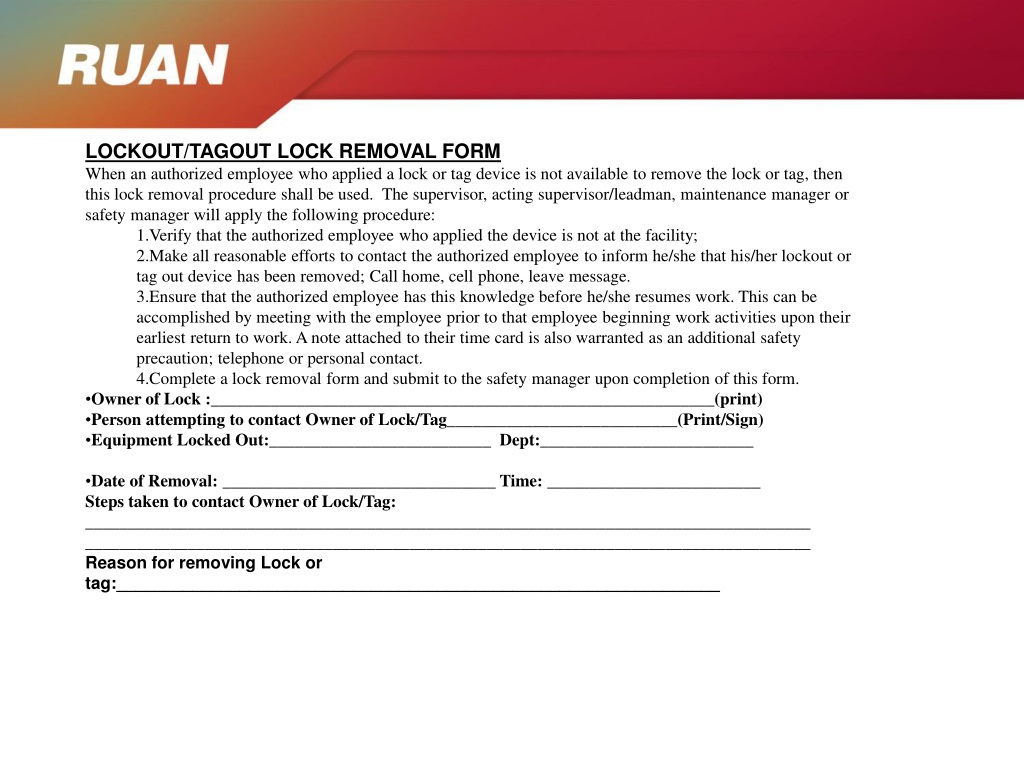
#### Train Using Simulated Scenarios Run drills where teams practice removal after mock repairs. Include distractions to test focus.
#### Review After Every Incident or Near-Miss Even if no injury occurs, examine whether the removal form was followed correctly.
One manufacturing plant reduced LOTO-related incidents by 76% in 18 months—just by enforcing form completion and auditing compliance weekly.
Digital vs. Paper-Based Removal Forms
The debate isn’t about technology—it’s about reliability and traceability.
| Feature | Paper Forms | Digital Forms |
|---|---|---|
| Real-time access | No | Yes |
| Audit trail | Manual | Automatic |
| Storage risk | Lost or damaged | Cloud-backed |
| Integration | Low | High (CMMS, ERP) |
| Training curve | Low | Moderate |
Digital forms, especially when paired with LOTO management software, offer advantages:
- GPS-stamped entries
- Automated reminders for overdue removals
- Instant alerts if a lock remains after form completion
- Exportable reports for OSHA audits
But digital isn’t always better. In remote or hazardous areas with poor connectivity, paper remains reliable. The key is choosing the right tool for your environment—and ensuring it’s used correctly.
Who Should Be Responsible for the Removal Form?
The authorized employee who applied the lock must remove it—and sign the form. But responsibility extends beyond individuals.
- Supervisors ensure the process is followed and forms are complete.
- Safety officers audit usage and update templates.
- Maintenance leads train new staff on proper completion.
- Operations staff verify machine readiness before restart.
No single person owns the form. It’s a shared responsibility document.
That’s why group lockout situations require extra care. A single removal form should list all locks applied, with individual sign-off for each. The last person to remove their lock isn’t necessarily the one who restarts the machine.
Final Thoughts: Make the Form Part of Your Safety DNA
A lockout tagout removal form isn’t compliance paperwork. It’s a living document that protects lives. When filled out correctly, it creates a chain of accountability that no checklist can replace.
Don’t treat it as a formality. Review it monthly. Improve it quarterly. Train on it annually. And never allow exceptions.
Your team’s safety doesn’t depend on the quality of the lock—it depends on the discipline of the process. The removal form is the final link. Make sure it’s unbreakable.
FAQ
What is the purpose of a lockout tagout removal form? It ensures all safety steps are verified before machinery is re-energized, preventing accidental startup and protecting workers.
Who can remove a lockout device? Only the authorized employee who applied the lock may remove it, unless a formal transfer procedure is followed.
Is a removal form required by OSHA? While OSHA doesn’t mandate a specific form, it requires documented procedures for lockout removal, which a form supports.
Can digital forms be used for LOTO removal? Yes, digital forms are acceptable if they provide equivalent control, traceability, and accessibility.
What happens if a lock is removed early? It violates OSHA regulations and creates serious safety risks. Disciplinary action and retraining are typically required.
Should contractors use the same removal form? Yes, all personnel performing servicing must follow the same LOTO procedures, including form completion.
How long should completed removal forms be kept? OSHA recommends retaining records for at least one year, though many companies keep them for three to five years.
FAQ
What should you look for in Lockout Tagout Removal Form: What It Is and How to Use It? Focus on relevance, practical value, and how well the solution matches real user intent.
Is Lockout Tagout Removal Form: What It Is and How to Use
It suitable for beginners? That depends on the workflow, but a clear step-by-step approach usually makes it easier to start.
How do you compare options around Lockout Tagout Removal Form: What It Is and How to Use It? Compare features, trust signals, limitations, pricing, and ease of implementation.
What mistakes should you avoid? Avoid generic choices, weak validation, and decisions based only on marketing claims.
What is the next best step? Shortlist the most relevant options, validate them quickly, and refine from real-world results.